Spendrix - Revolutionary Automatic UPI Expense Tracker
Discover Spendrix, the private, serverless money tracker. It automatically detects UPI payments from Google Pay, PhonePe, Paytm, and Cred, then uses AI to categorize your expenses. Your data is encrypted and backed up to your Google Drive — never to our servers.
Key Features of Spendrix Money Tracker
- Automatic UPI payment detection across multiple apps
- AI-powered intelligent expense categorization
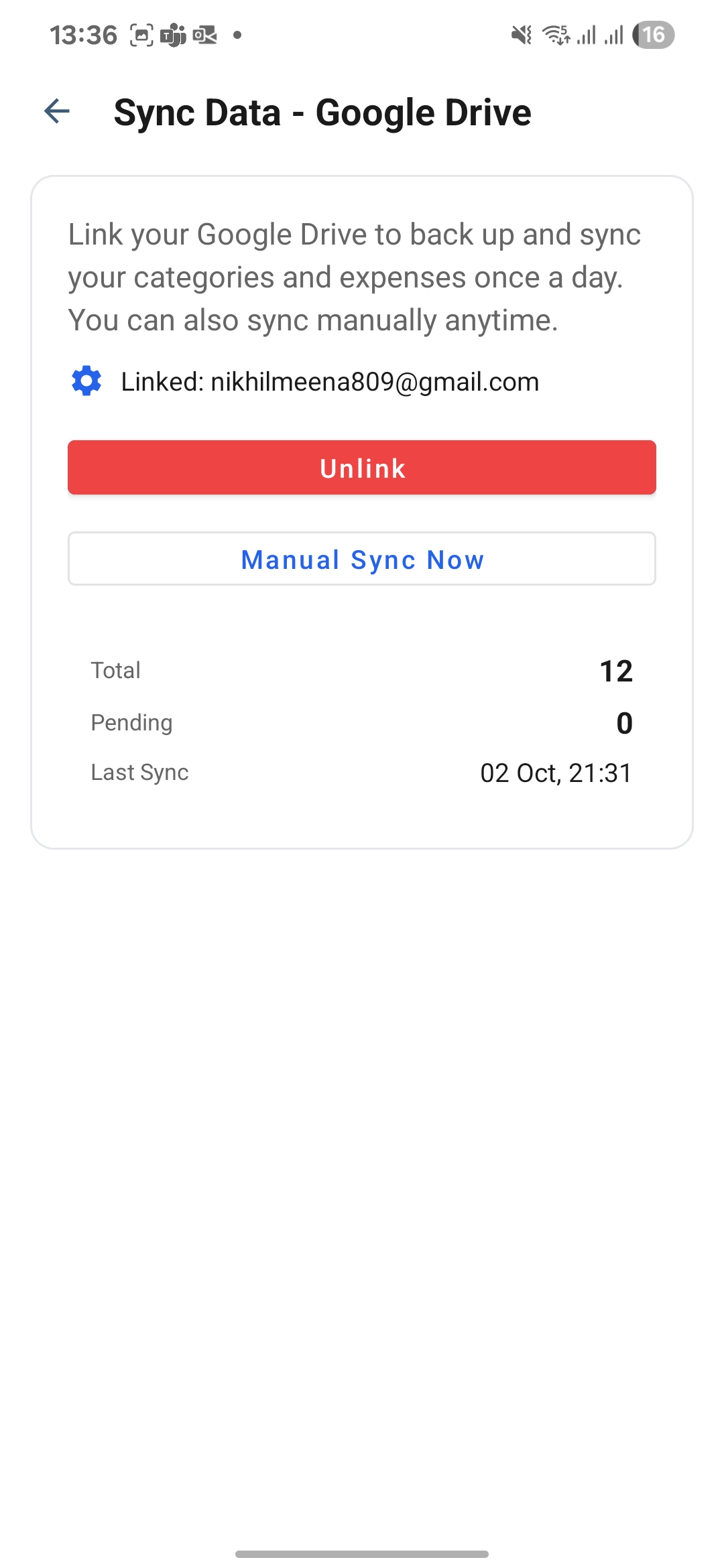
- Private Google Drive backup (serverless)
- Rich analytics and financial insights
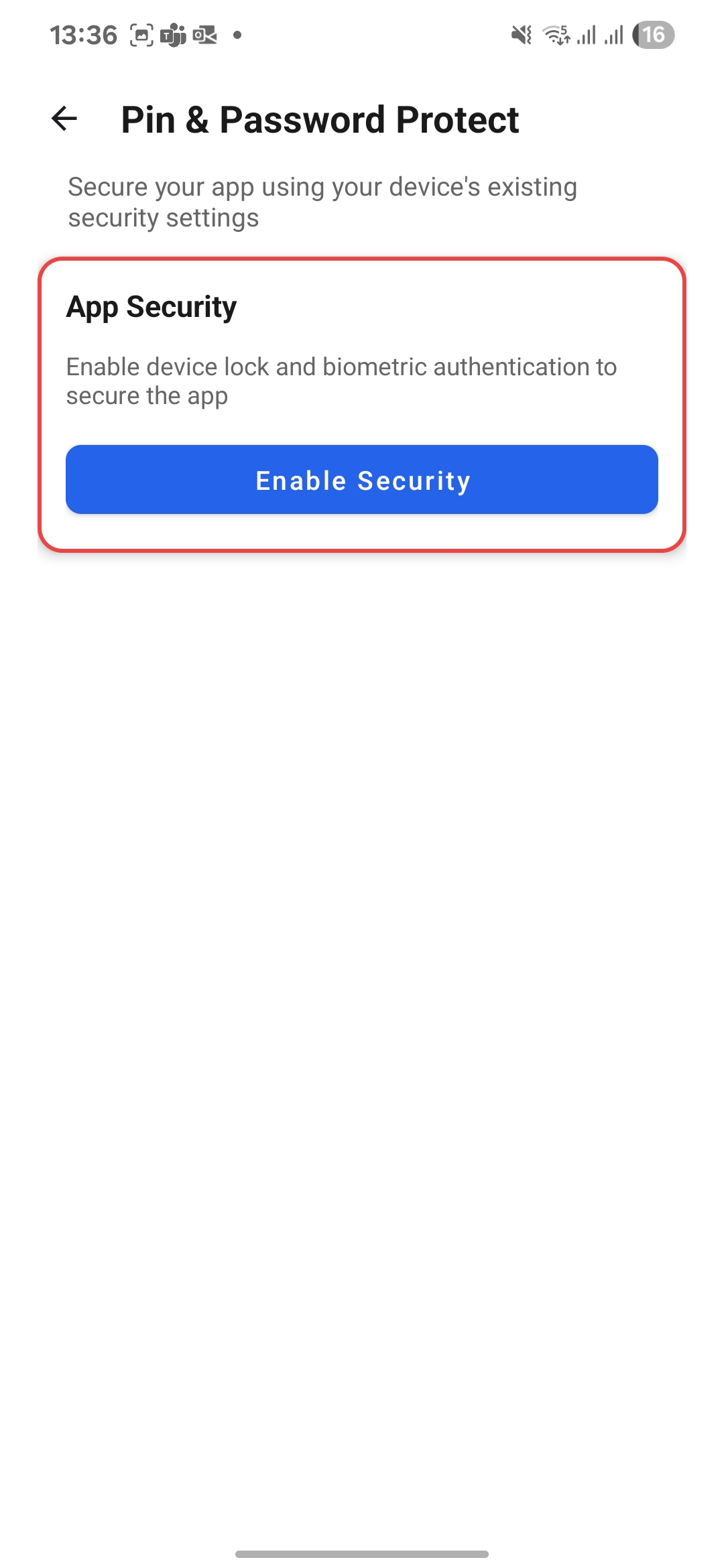
- Biometric lock and data export
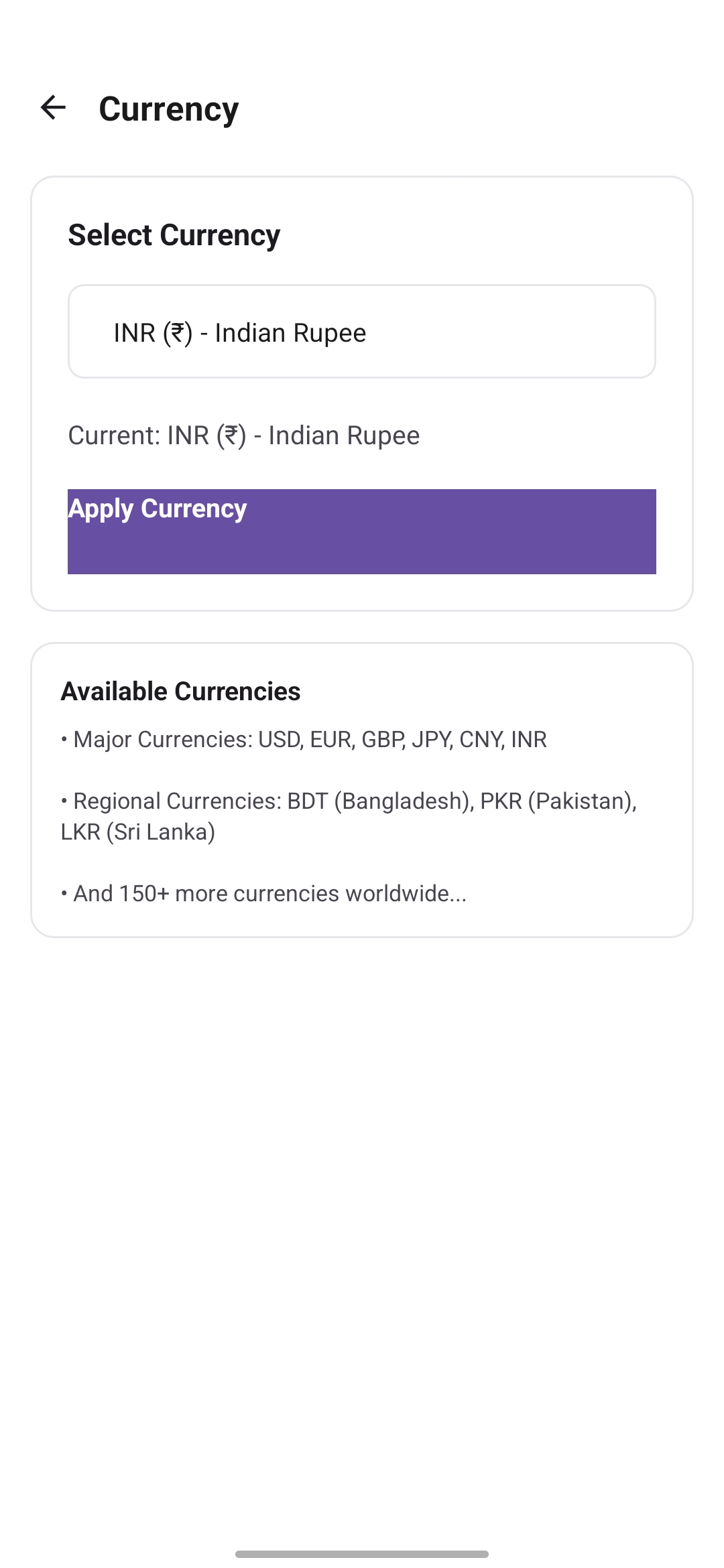
- 10+ languages, 20+ currencies, 10+ number formats
Supported Payment Applications
Spendrix seamlessly integrates with UPI platforms including Google Pay (GPay), PhonePe, Paytm, and Cred for comprehensive expense tracking.
Now Available
Download Spendrix on Android and start tracking with privacy-first, serverless technology today.
Meet Spendrix
Private, Serverless Money Tracker That Thinks Ahead
Automatic UPI detection, AI categorization, and secure Google Drive sync. Your data never touches our servers — it lives with you.
Auto Detection
Instantly detects payments from GPay, PhonePe, Paytm & Cred
Smart Learning
Learns your patterns and suggests expense categories automatically
Private & Secure
Serverless, encrypted Google Drive backup, biometric lock, and exports
Supported Payment Apps

Google Pay

PhonePe

Paytm

Cred

PayZapp

HSBC SimplyPay
* Cred integration supports auto-popup for expense entry, but manual categorization is required. We're working on full automation!
Revolutionary Features
Experience the future of expense tracking with AI-powered automation and intelligent insights
Payment Auto-Detection
Automatically detects payments from GPay, PhonePe, Paytm, and Cred. Instantly opens expense entry screen after each transaction.
AI-Powered Learning
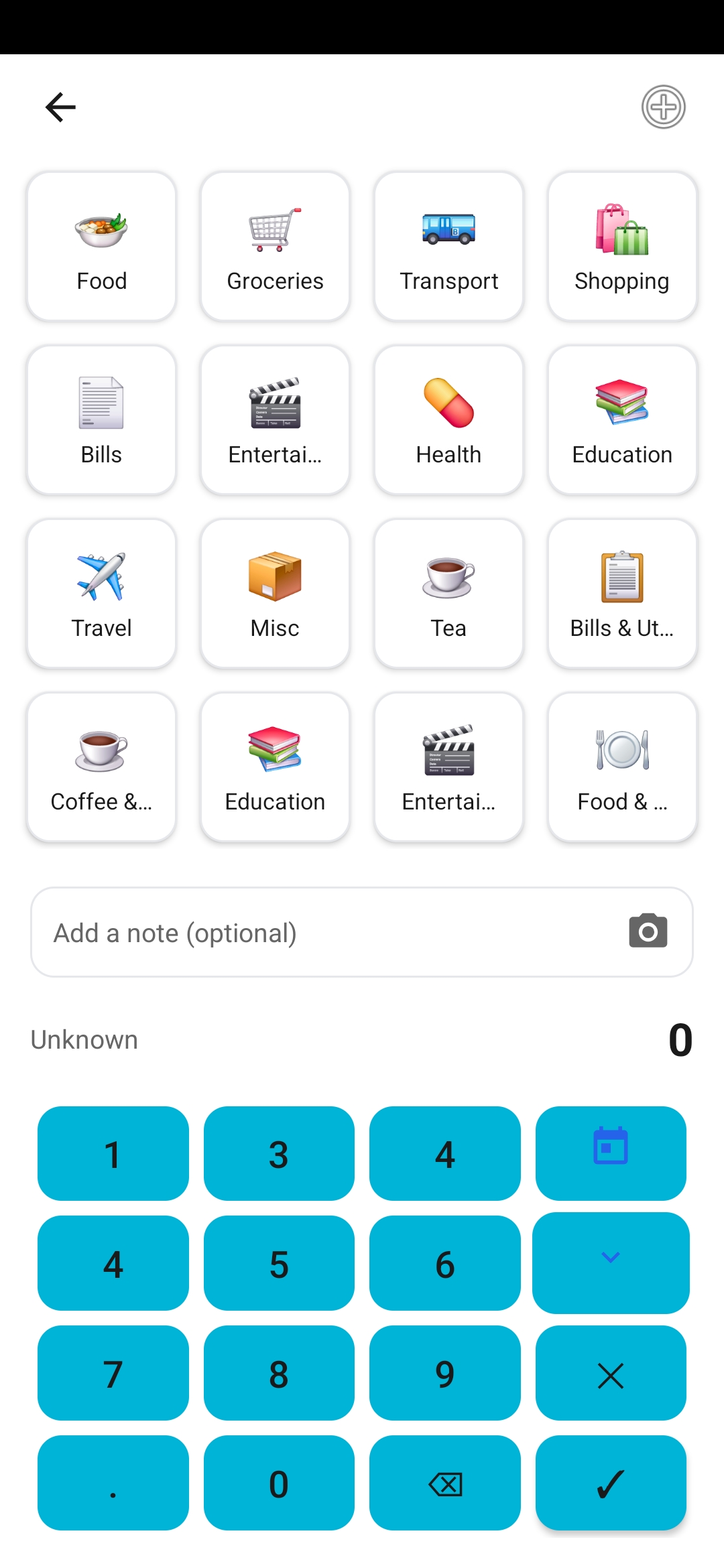
Learns from your UPI IDs and spending patterns to automatically suggest the right expense categories. No more manual selection!
Detailed Tracking
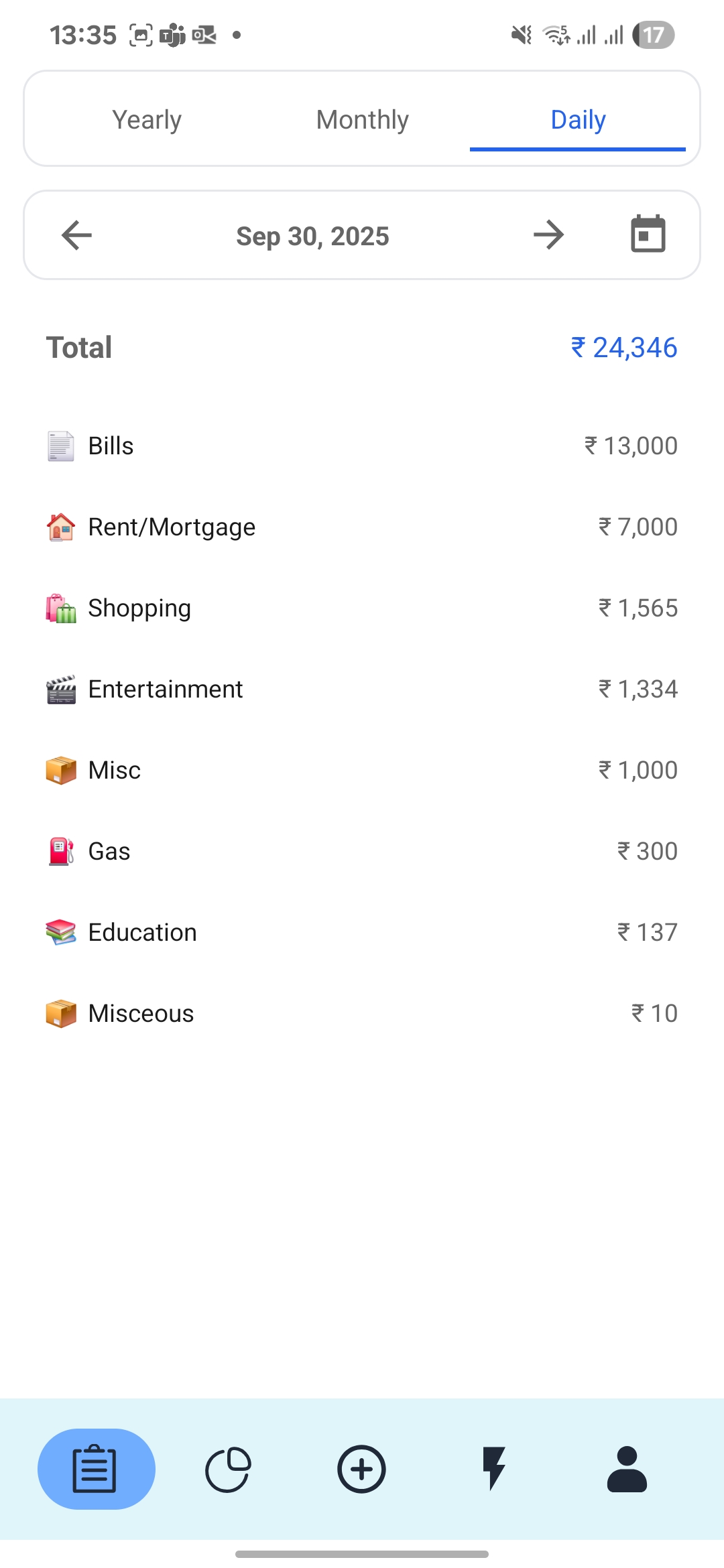
Stores comprehensive details: payment app, UPI ID, receiver name, exact time, and location for easy search and retrieval.
Multi-App Support
Full automation for PhonePe, Paytm, and GPay. Smart integration with Cred (manual entry with auto-popup).
Advanced Analytics
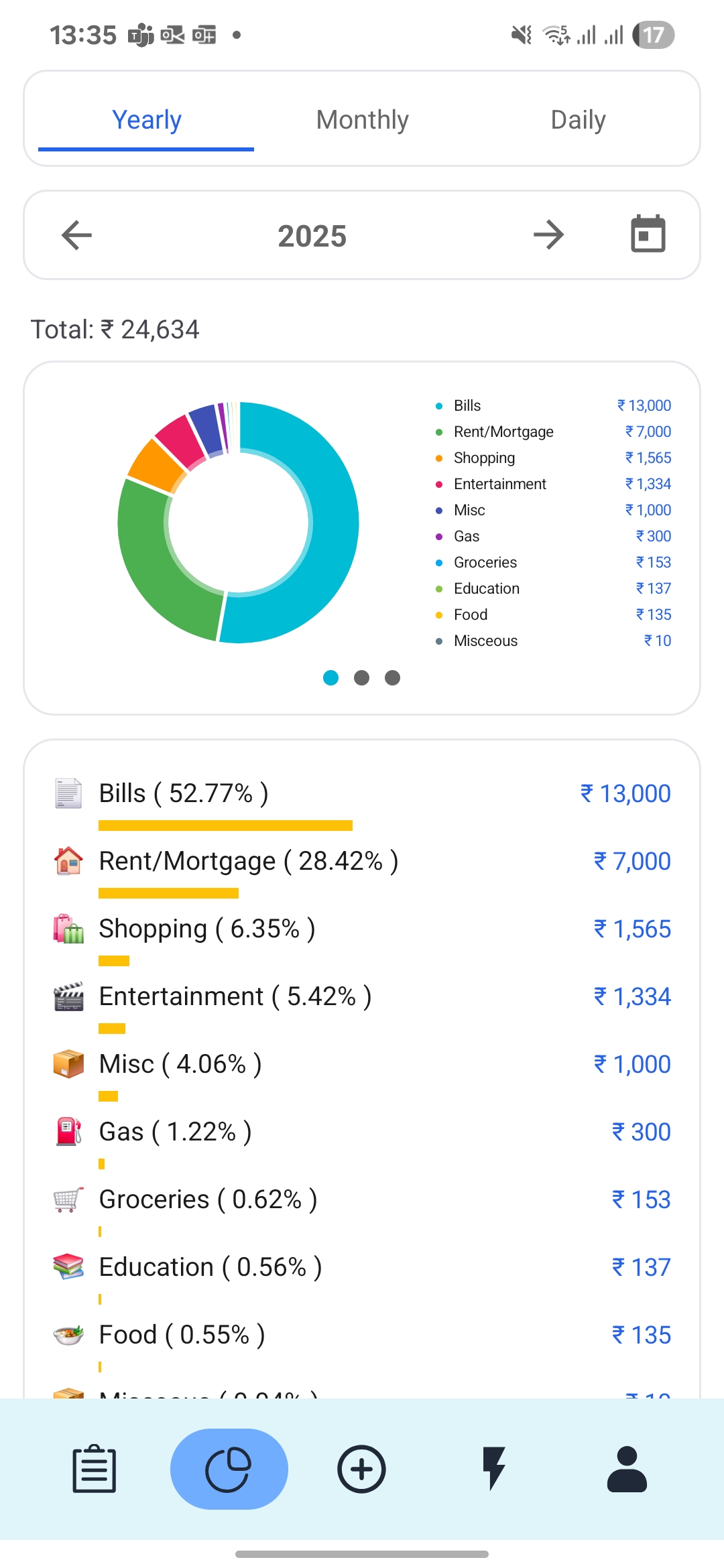
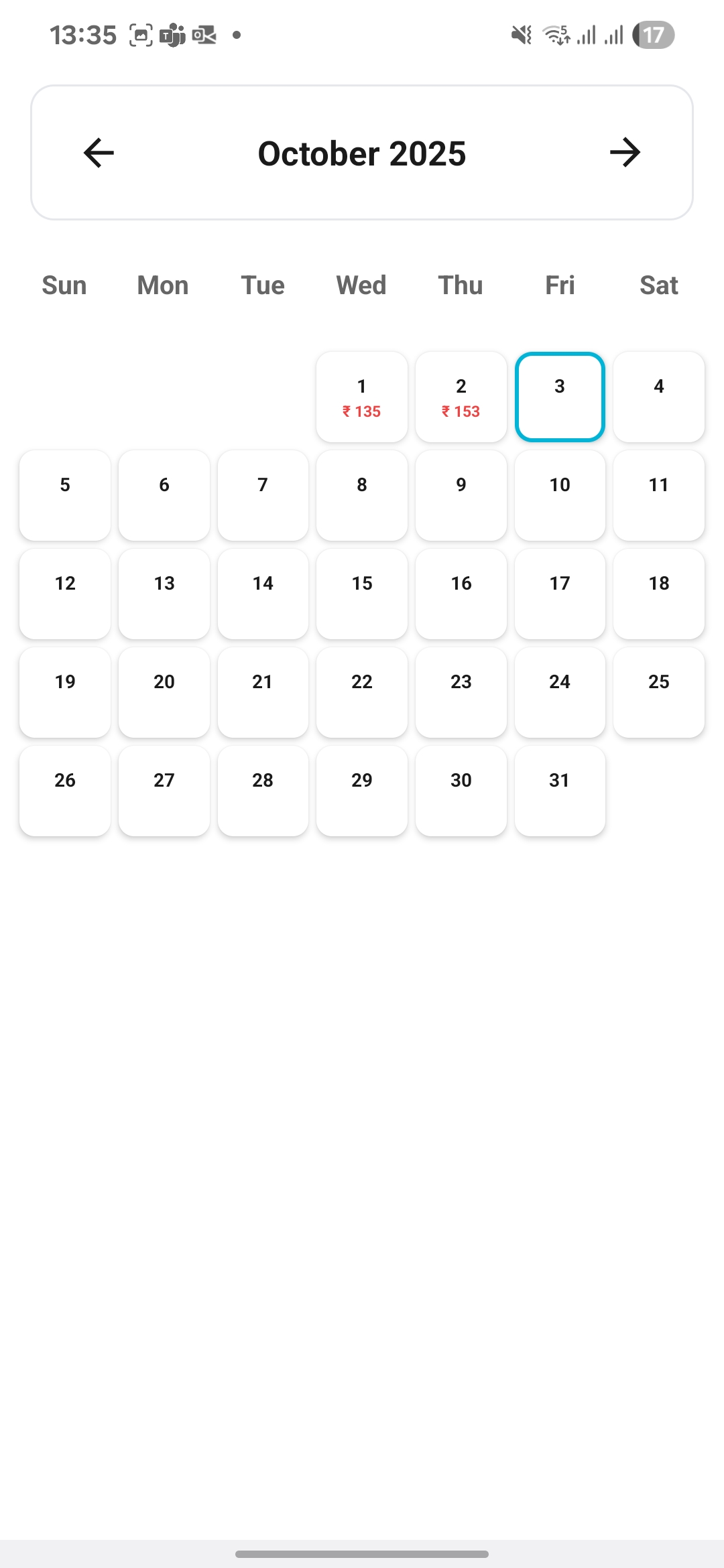
Beautiful graphs, heatmaps, spending insights, and detailed comparisons with previous months to understand your financial patterns.
Secure & Flexible
Ignore expenses you don't want to track. Bank-grade security ensures your financial data stays completely private and secure.
Automated Reports
Receive detailed weekly and monthly expense analysis reports with insights that matter to your financial health.
Private Google Drive Sync
Encrypted backup directly to your Google Drive. We never store or see your data.
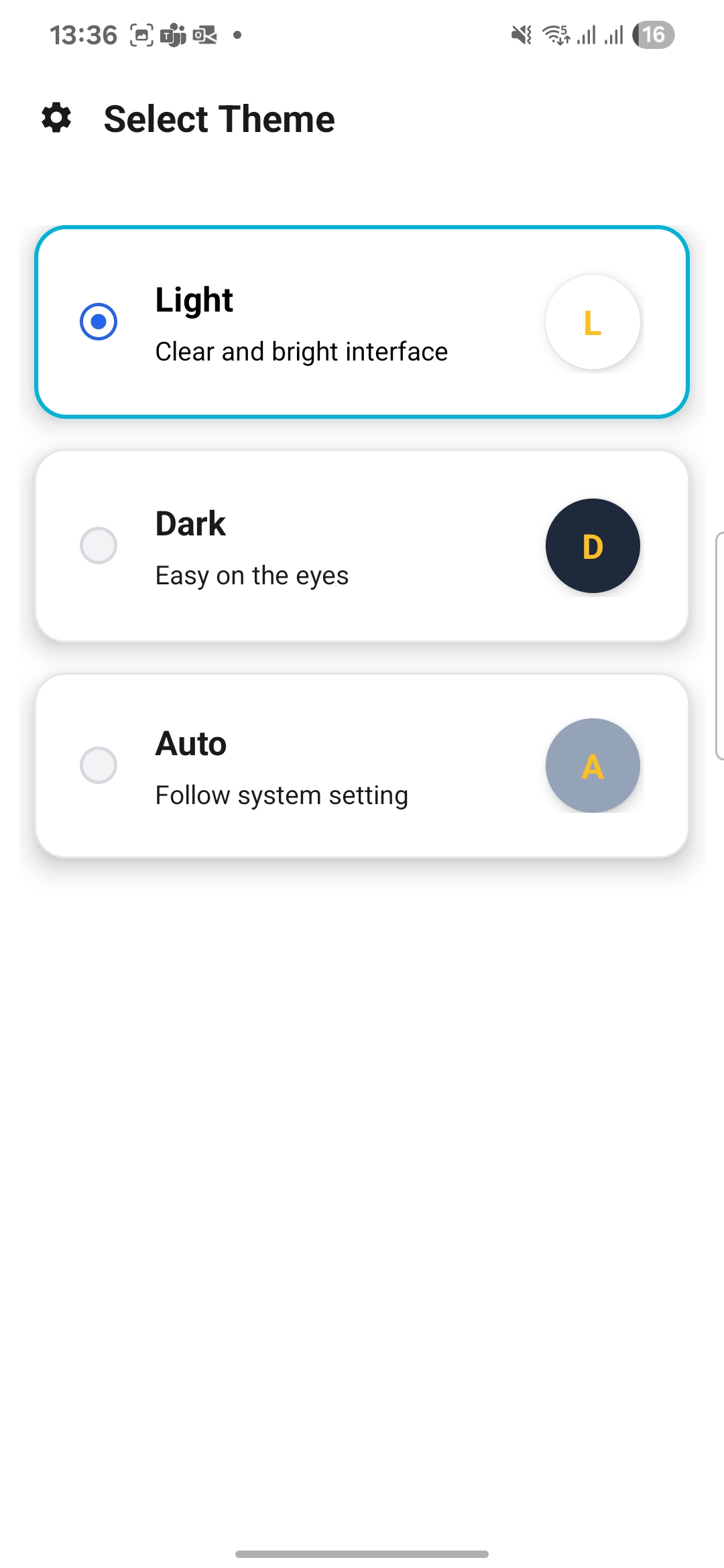
App Screenshots
Explore Spendrix across key screens – from tracking to analytics
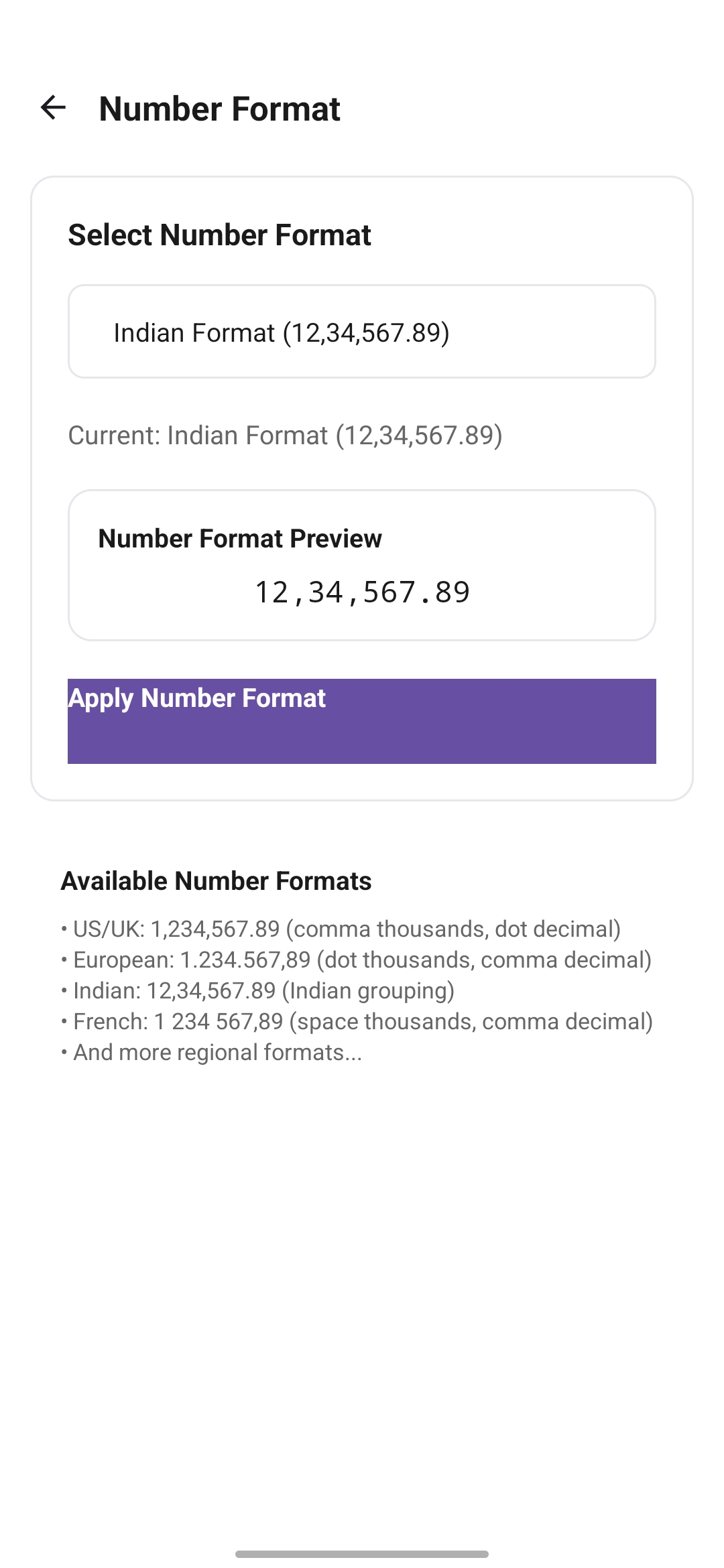
How Spendrix Works
Experience seamless expense tracking in just 3 simple steps
Make a Payment
Use any UPI app like GPay, PhonePe, Paytm, or Cred to make your payment. Spendrix automatically detects the transaction in real-time.
Smart Categorization
Our AI analyzes the payment details, recipient, and your past patterns to automatically suggest the most appropriate expense category.
Track & Analyze
Confirm or adjust the category, and watch as Spendrix builds comprehensive expense reports with beautiful insights and analytics.
Your Security is Our Priority
Bank-grade security ensures your financial data stays completely private and protected
End-to-End Encryption
All your financial data is encrypted using military-grade AES-256 encryption before it leaves your device. Even we can't see your raw transaction details.
Local Processing
Payment detection and categorization happens locally on your device. Your sensitive payment information never leaves your phone unnecessarily.
No Banking Access
Spendrix never accesses your bank accounts, credit cards, or UPI credentials. We only read payment notifications to help you track expenses.
Private Google Drive Backup
Optional encrypted backups to your personal Google Drive. Fully serverless – your data never touches our servers and only you hold the keys.
Full Privacy Control
Granular privacy settings let you choose exactly what data to track, what to ignore, and how long to keep your expense history.
Security Compliance
Built following industry-standard security practices and regularly audited to ensure the highest level of data protection and privacy compliance.
Our Security Promise
We believe that financial privacy is a fundamental right. That's why we've built Spendrix from the ground up with security-first principles, ensuring your financial data remains yours and yours alone.
Spendrix is Now Live
Join thousands of users who have simplified their expense tracking with Spendrix
Download on Android
Automatic UPI tracking, AI categorization, and private Google Drive sync. 100% serverless and privacy-first.


Languages
Currencies
Number Formats
Stay Updated
Subscribe to receive release notes and new feature announcements